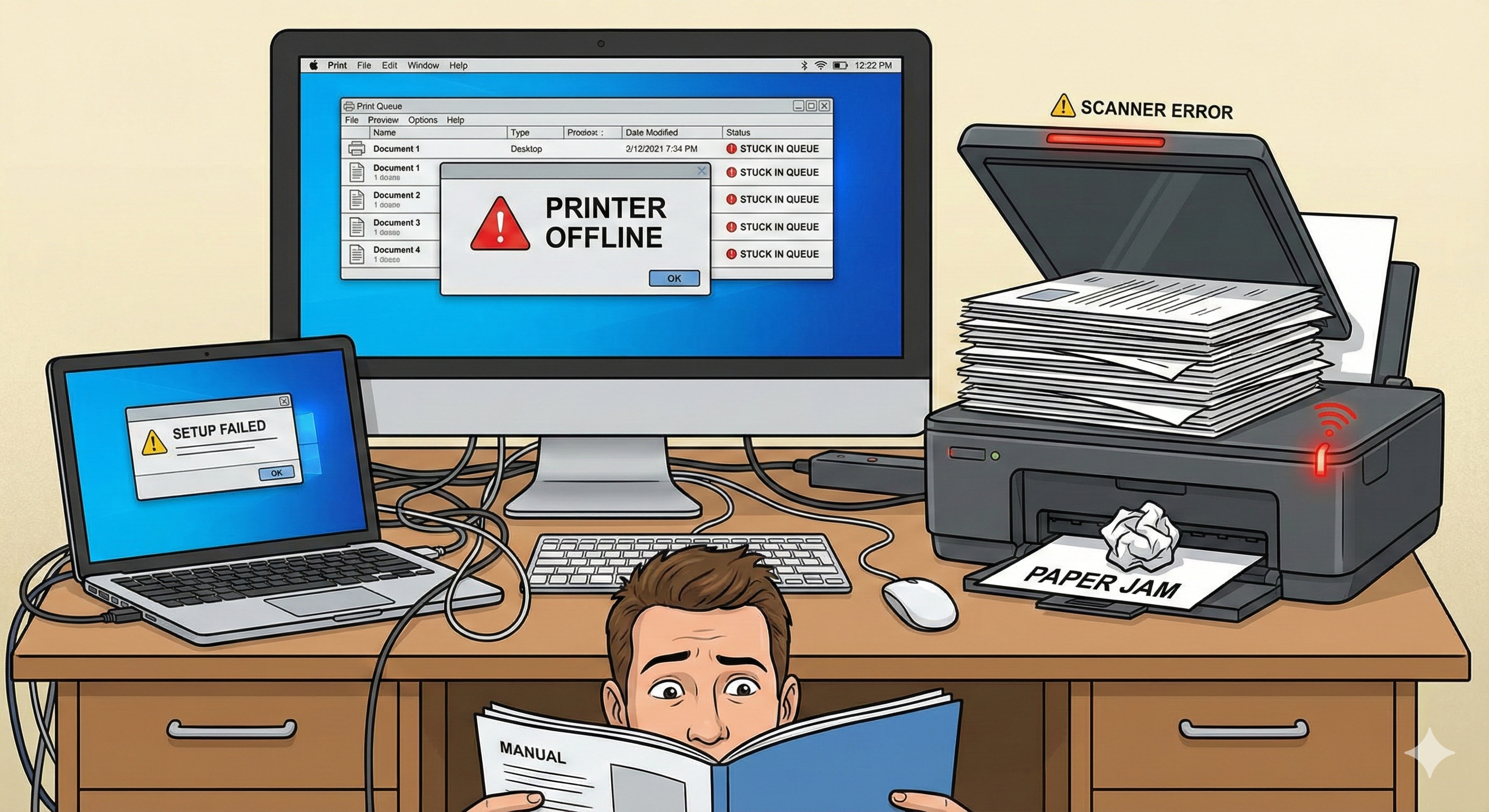
Why Wireless Printers Fail to Connect
Wireless printers rely on stable network settings, matching frequency bands, correct authentication, and updated software. If any step is configured incorrectly, your device may refuse to connect to Wi-Fi or your computer.
- ✔ Printer connected to a different Wi-Fi network
- ✔ Router using 5GHz only (printer requires 2.4GHz)
- ✔ Wrong Wi-Fi password or SSID hidden
- ✔ Outdated firmware or missing wireless drivers
- ✔ Network isolation or firewall blocking IP access
- ✔ Printer not registered in OS wireless print queue