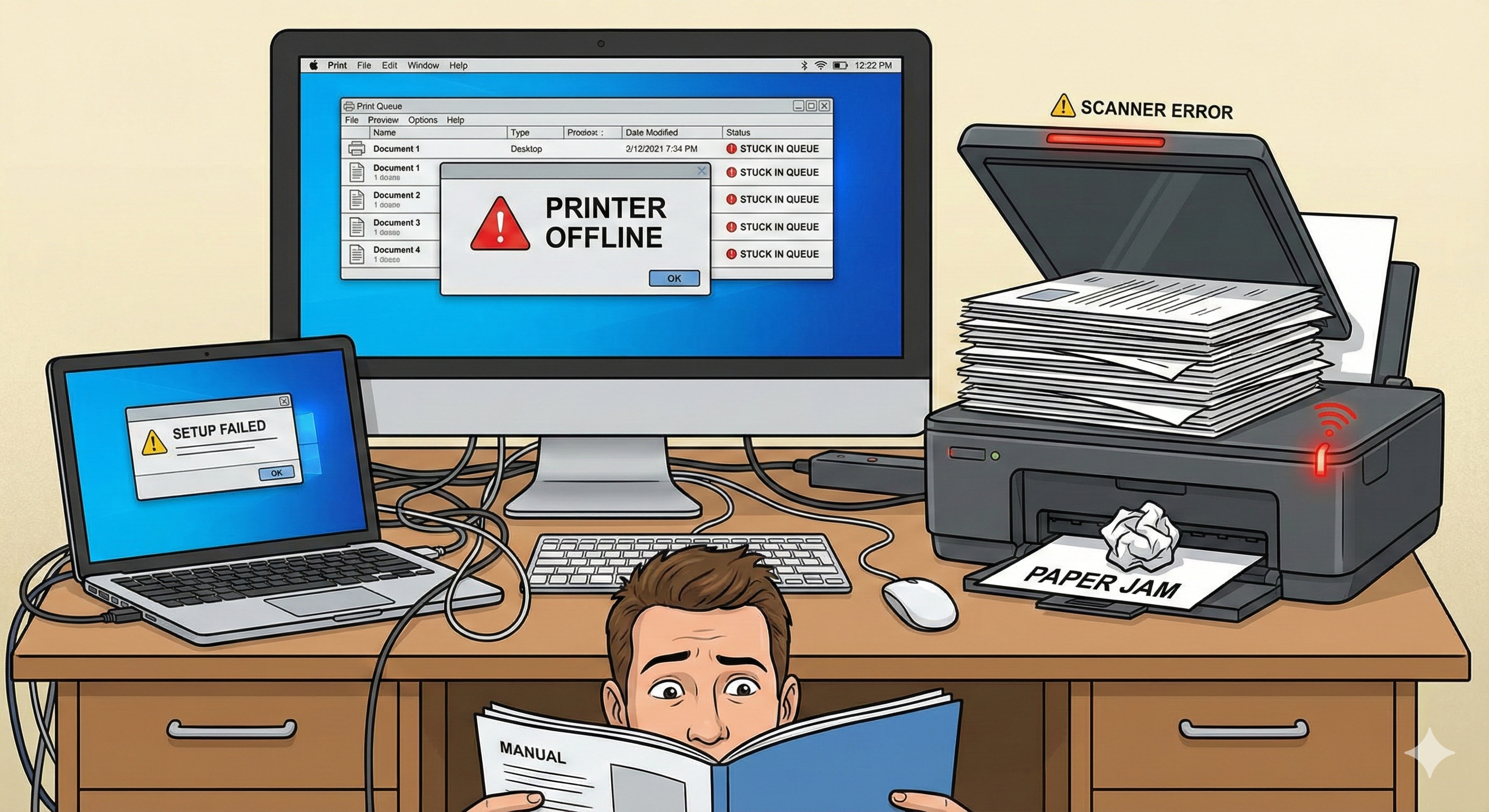
Why Printers Show “Offline”
A printer may display “Offline” even when it is turned on and connected. This can happen due to outdated drivers, wrong printer mode, Wi-Fi issues, USB recognition errors, firewall blocks, or incorrect default device settings.
- ✔ Wi-Fi connection drops or wrong network
- ✔ Driver mismatch or outdated printer software
- ✔ Printer not set as default device
- ✔ Firewall or antivirus blocking communication
- ✔ USB connection not recognized or loose
- ✔ Spooler service errors or stuck print queue