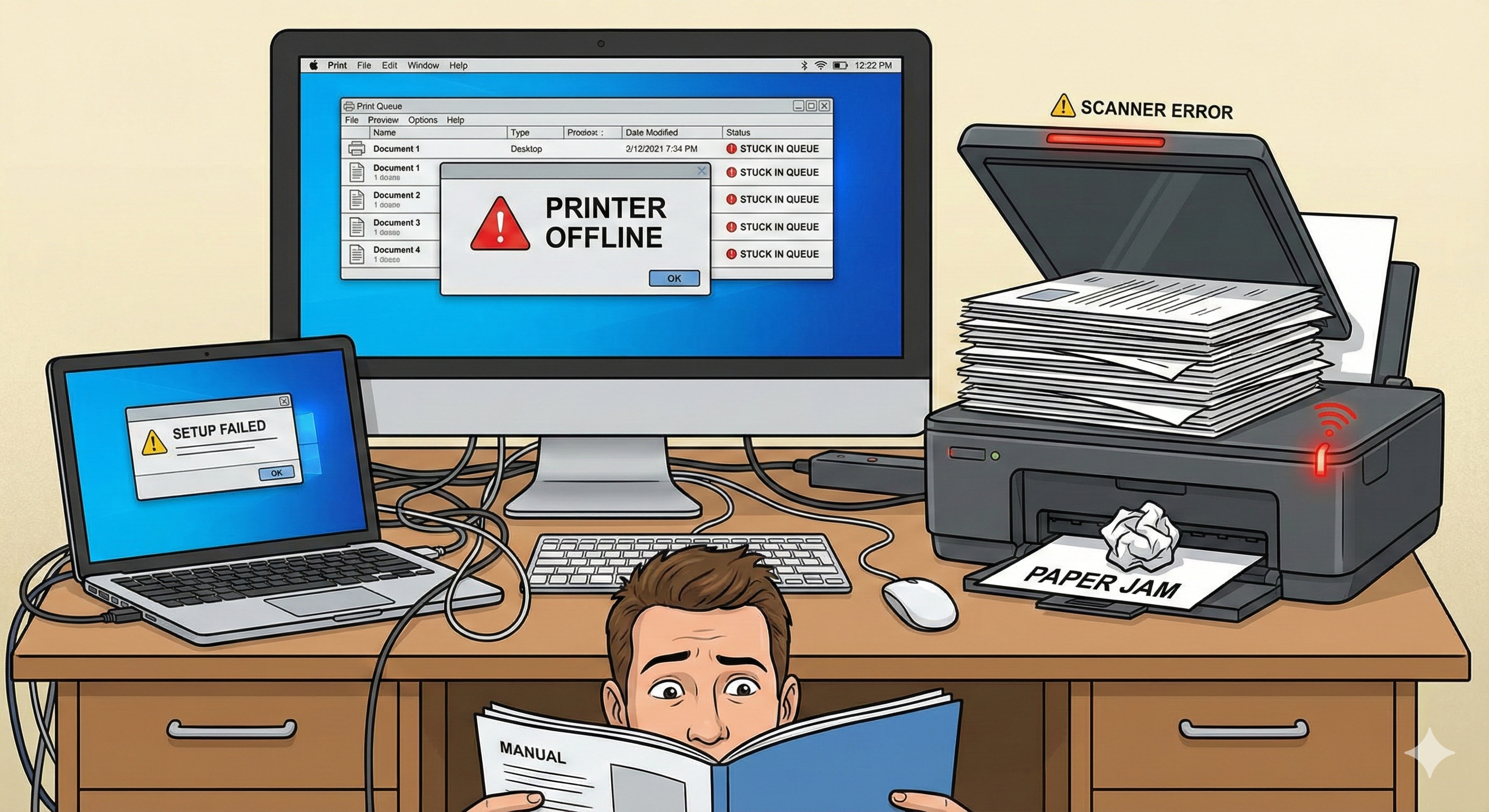
Why Print Jobs Get Stuck in Queue
Print queue problems occur when the system spooler fails to process documents correctly. This can be caused by corrupted print data, disconnected printers, outdated drivers, or communication interruptions between your device and the printing service.
- ✔ Corrupted print spooler cache or temporary files
- ✔ Printer paused or set to "Use Printer Offline"
- ✔ Driver mismatch or unsupported print format
- ✔ Print service not responding or frozen
- ✔ Lost connection between printer and computer
- ✔ Pending or duplicate print submissions